Meaning
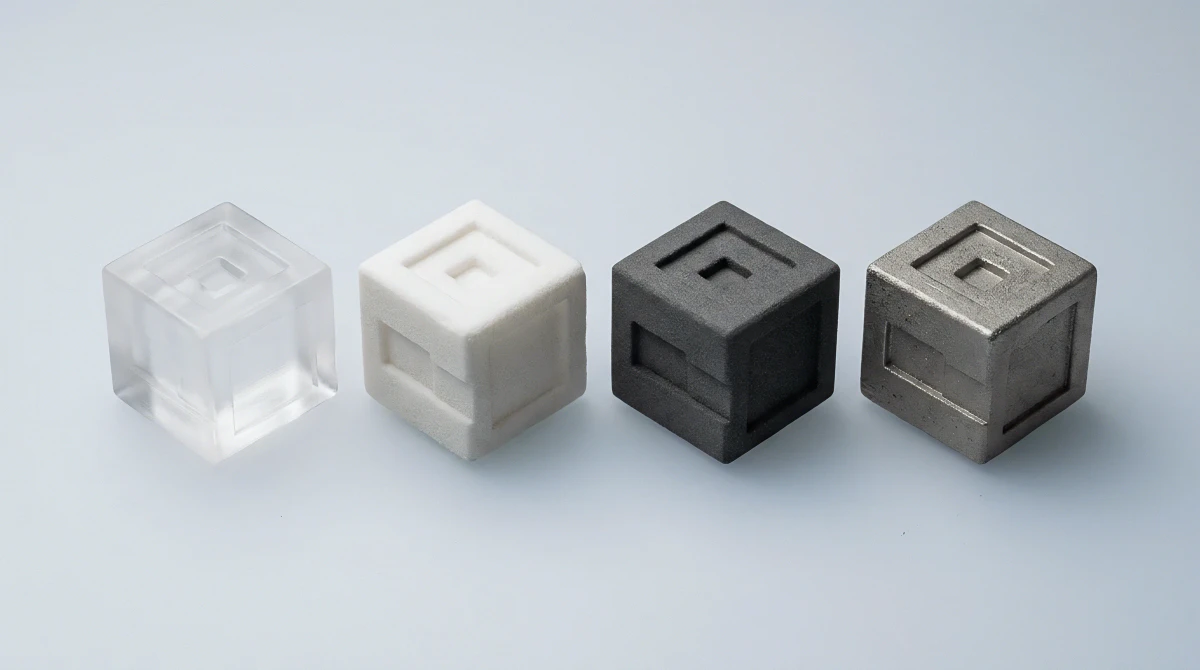
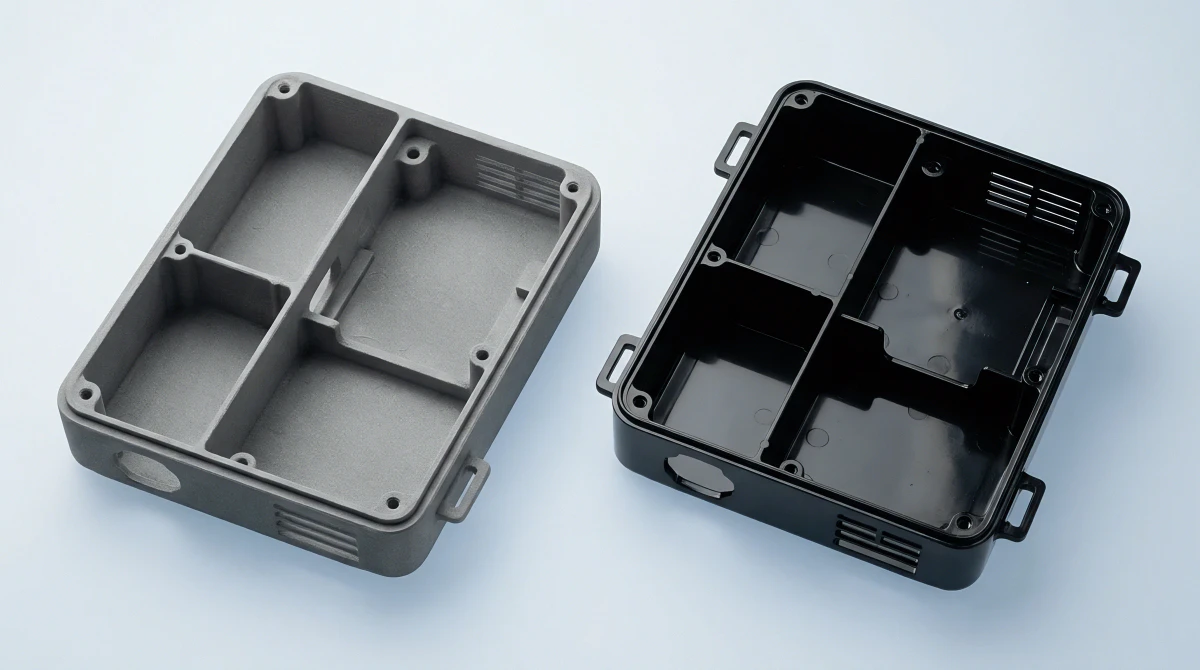
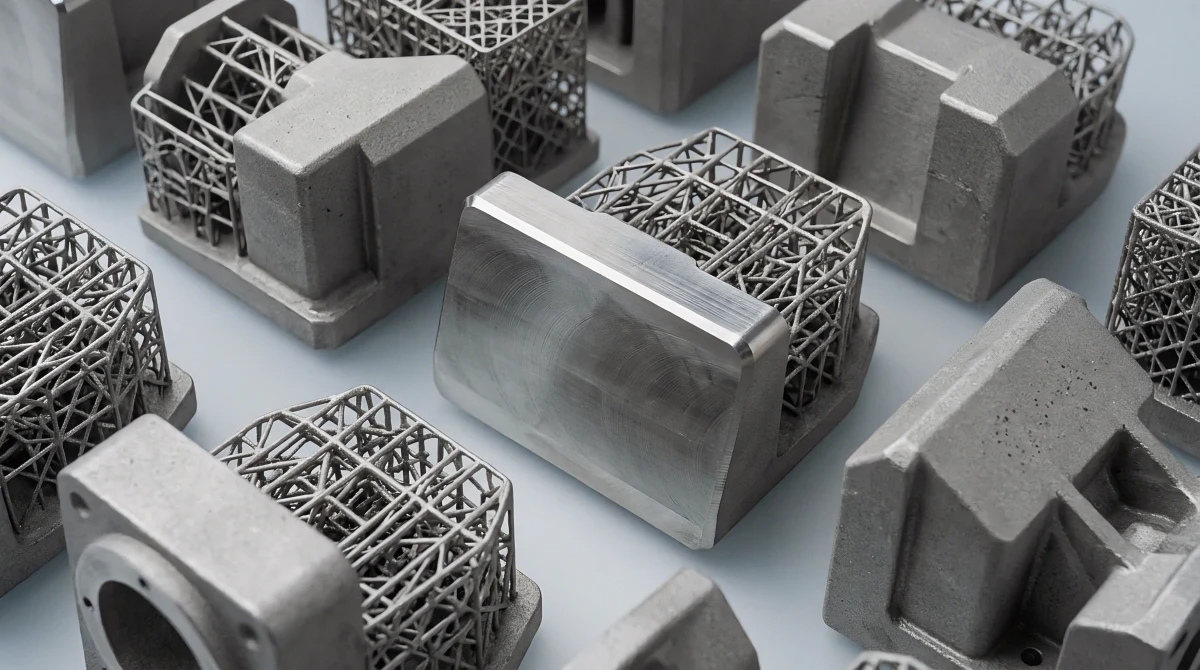
Machining, on a printed part, is a second operation that cuts a feature to a size or finish the printing process does not reach. Formlabs places resin and powder printing between standard machining and fine machining for tolerance. It states that tolerances beyond what the printer gives are reached by hand finishing or machining. Formlabs adds that a feature held closer than 0.025 mm (0.001 in) may need machining after printing.Allowance
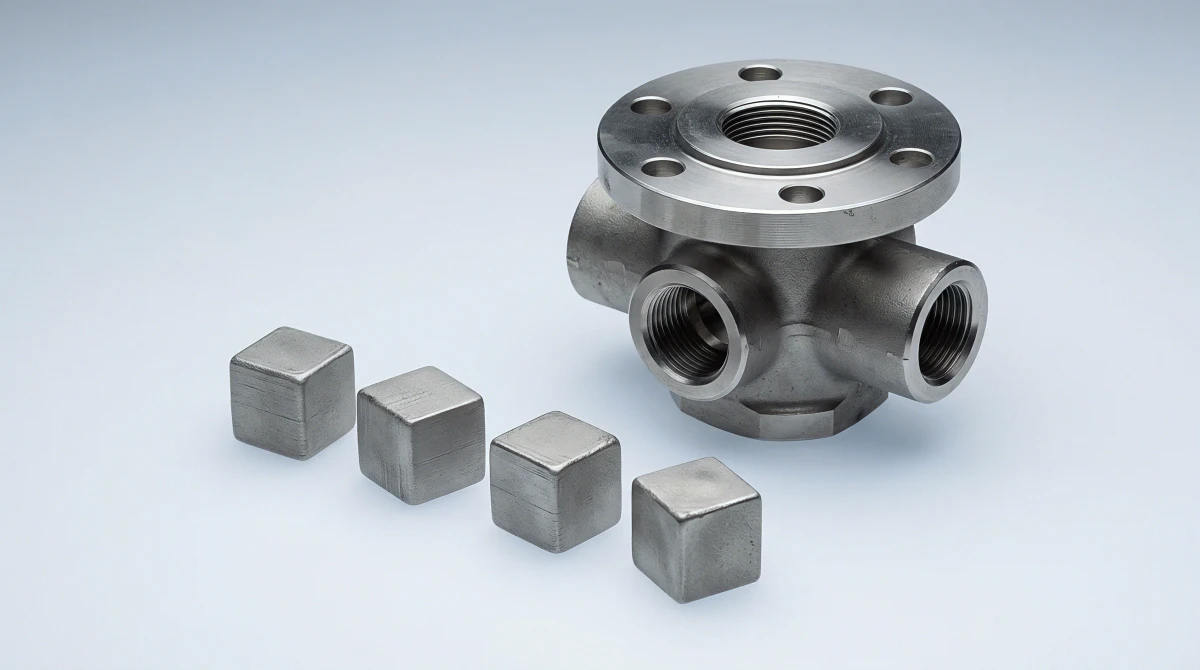
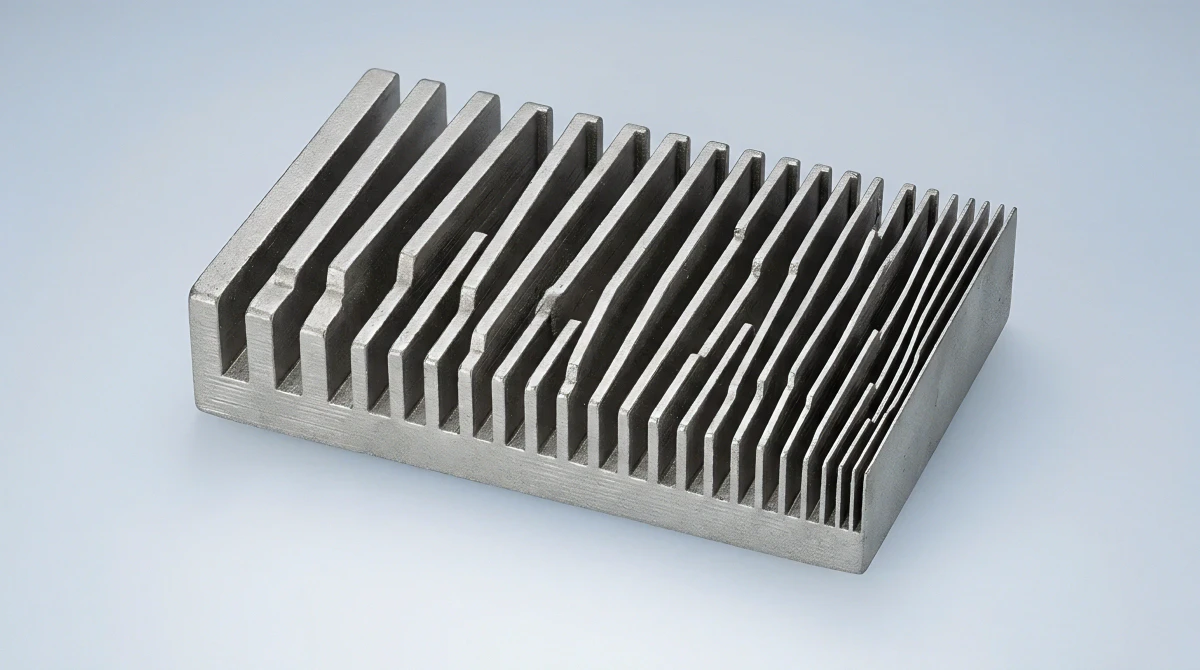
A printed surface that seals, slides or threads is treated as a stock allowance. The supplier adds material to the feature, prints it and machines it to size, and the drawing says so. On printed 316L the as-built face measures Ra 13 ± 5 µm (512 ± 197 µin). A bearing seat or sealing face therefore needs the second operation. For a 316L feature with a tolerance below about ±0.05 mm (±0.002 in), the drawing writes a machining allowance.Read More
Reference Classes
The Formlabs tolerance table gives standard machining as ±0.127 mm (±0.005 in). At 100 mm (3.94 in), Formlabs stereolithography (SLA) reads ±0.3 mm (±0.012 in) and laser-sintered nylon ±0.5 mm (±0.020 in). EOS states that printed 316L can be machined, shot-peened and polished as built or after stress relief. When the machined face has a close size, the drawing states whether it is cut before or after heat treatment.Laser-Sintered Nylon
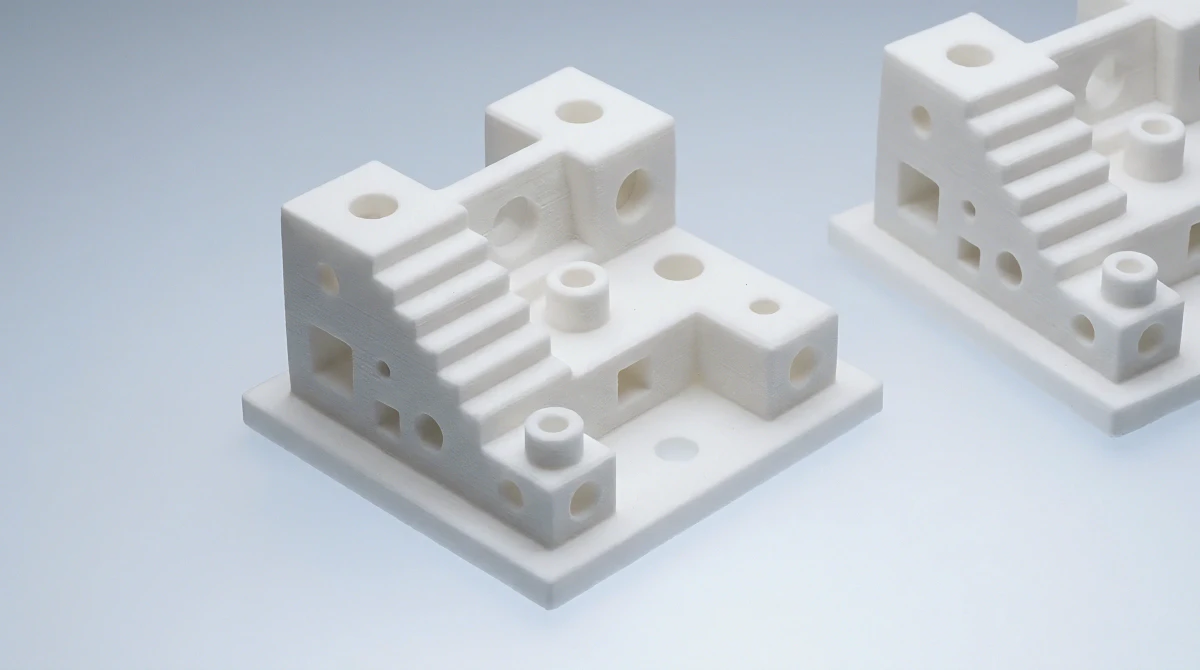
On laser-sintered nylon, scaling the file removes the offset of a build and leaves its scatter. A tolerance below that scatter is reached only by measuring and sorting parts or by machining. The drawing then writes a machining or finishing allowance and the tolerance on the finished surface.Handover
In a printed run, the features that were machined or finished by hand are the ones a mold maker reviews first. They mark where the printed process did not hold the drawing, and the run’s record keeps them visible. A part approved as the first production part carries those finished sizes as its documented geometry.