Bore

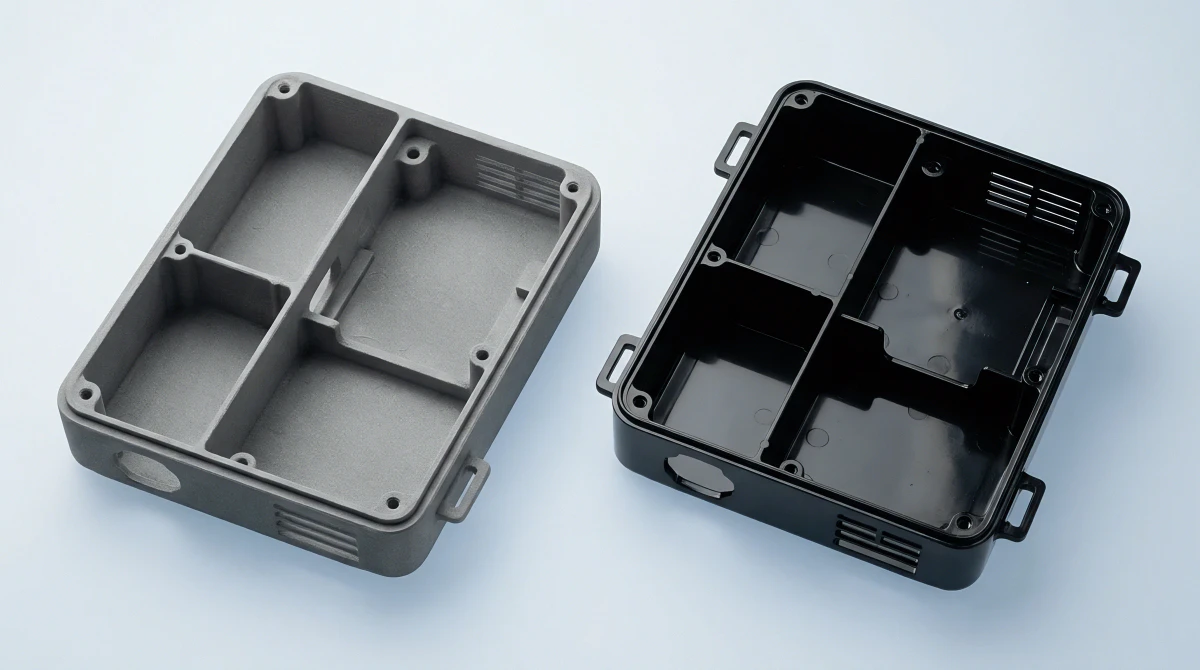
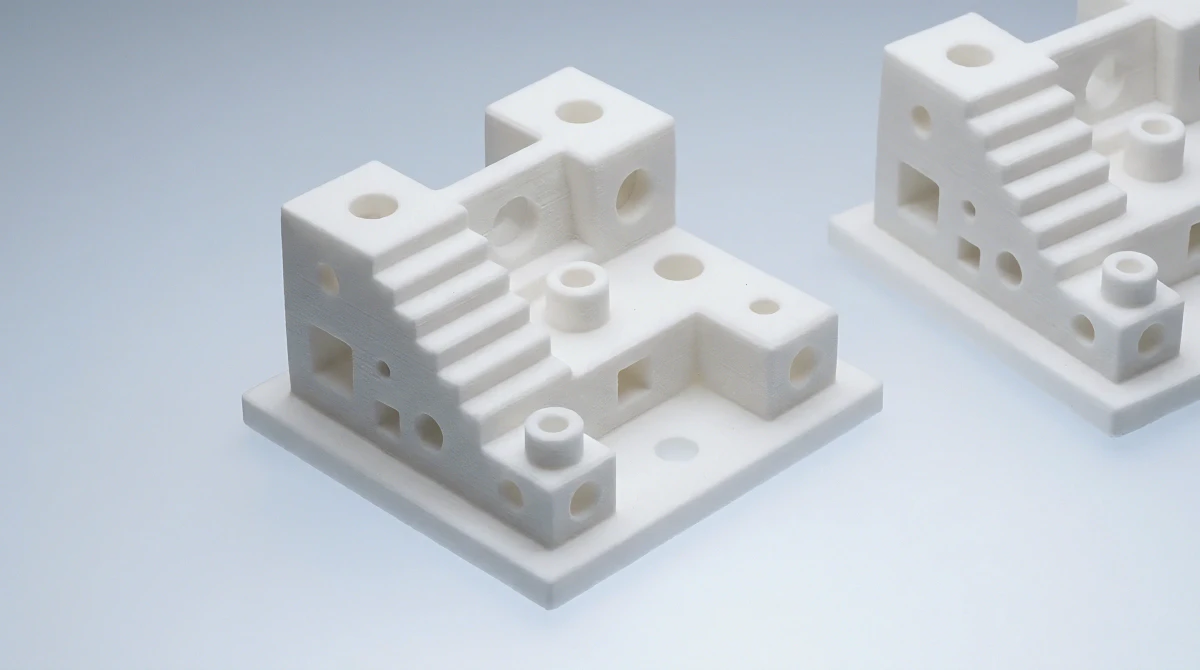
A bore is a cylindrical internal feature, a hole meant to receive a pin, shaft or fastener with a controlled fit.

Every Bore article of the 3D Printing Resources, newest first, each written from published standards, research and makers’ data.

Meaning

A bore is a cylindrical internal feature, a hole meant to receive a pin, shaft or fastener with a controlled fit. In printed parts the bore is the feature most likely to move from nominal, and the one a fit depends on.

Why Printed Bores Come Out Small

A study of 50 nylon 12 parts on a 3D Systems ProX SLS 6100, measured by X-ray computed tomography, found inner diameters consistently undersized by about 0.1 mm (0.004 in) while outer diameters held close to nominal, even with the machine’s material scale factors applied. The authors cite earlier work with the same one-sided pattern over a wider range. In resin printing, Carbon explains that a little extra resin cures at feature edges, overcure across the build plane and cure-thru along Z, so a vertical round feature comes out marginally oblong, and Stratasys warns that overcure can partly fill a small hole.
Read More

Shape

Diameter is not the whole error. The same SLS study found horizontal orientations good for inner diameter but worse for cylindricity, and it cites roundness of SLS PA12 cylinders varying from 0.15 to 0.5 mm (0.006 to 0.020 in) in earlier work. A bore out of round by the size of its clearance touches its pin on the short axis.

Orientation

Carbon keeps critical round features in the build plane, where overcure is even, and Stratasys prints holes perpendicular to the build head for the most accurate result.

Checking and Correcting

A gauge pin passed through each critical bore checks both size and that the bore is clear of powder. The University of Zurich SLS guideline notes that straight, accessible holes can be reamed after printing, which turns a printed bore into a machined one when a fit needs it.
Clearance for Snug and Sliding Fits Between 3D Printed Parts

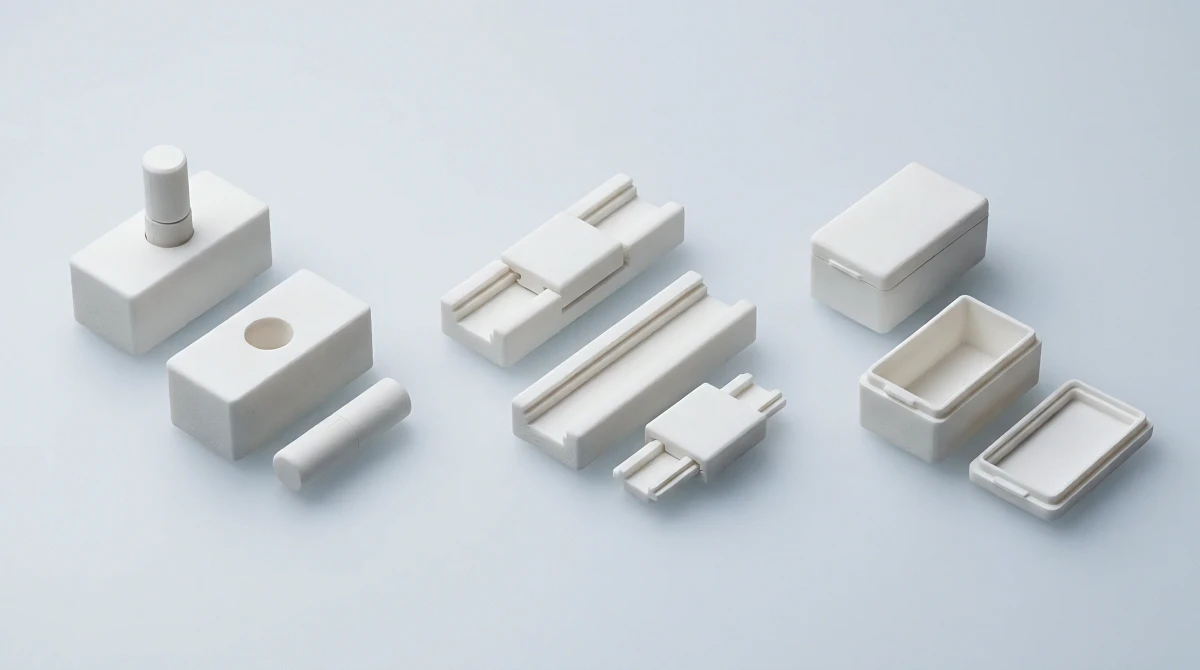
Printed fits start from a published gap that depends on whether parts are built apart or together, lose clearance to undersized bores, and are settled by a fit coupon.

Starting Clearances for Snug and Sliding Fits in SLS and MJFA snug fit here means two printed parts that assemble with little play and stay together; a sliding fit means two parts that move against each other after assembly. The published values separate them by how the parts were made, more than by how tight the fit is meant to be.

Inspecting a 3D Printed Production Run and When a Mold Takes Over

Accept the first printed part against written limits, keep the record, and weigh a mold by identical quantity and design stability.

How a Printed Production Run Is Inspected and AcceptedISO/ASTM 52901:2017, titled requirements for purchased AM parts, gives the frame. Its scope says it covers the elements to be exchanged between customer and part provider at the time of the order: customer order information, part definition data, feedstock requirements, final part characteristics and properties, inspection requirements and part acceptance methods.

SLS Nylon 12 Dimensional Tolerance in XY and Z

Laser sintered nylon holds far tighter size in the layer plane than across the layers, so a drawing writes the axes apart and states build position, scaling and measured data.

SLS Nylon 12 Tolerance in XY and in ZTable 1 lists the statements, then applies them to sizes a designer uses. The guide gives the XY rule for SLS and MJF as ±0.5 % or 0.3 mm, whichever is larger.

Send the 3D File of Your Printed Part

Send the 2D drawing and the 3D file, with the quantity and the stage of the project. An engineer replies within 1 working day.

The quote form, the mutual NDA and the private folder for your files are on Protolis Atelier, with 3D Printing chosen.

Request a Quote