Meaning
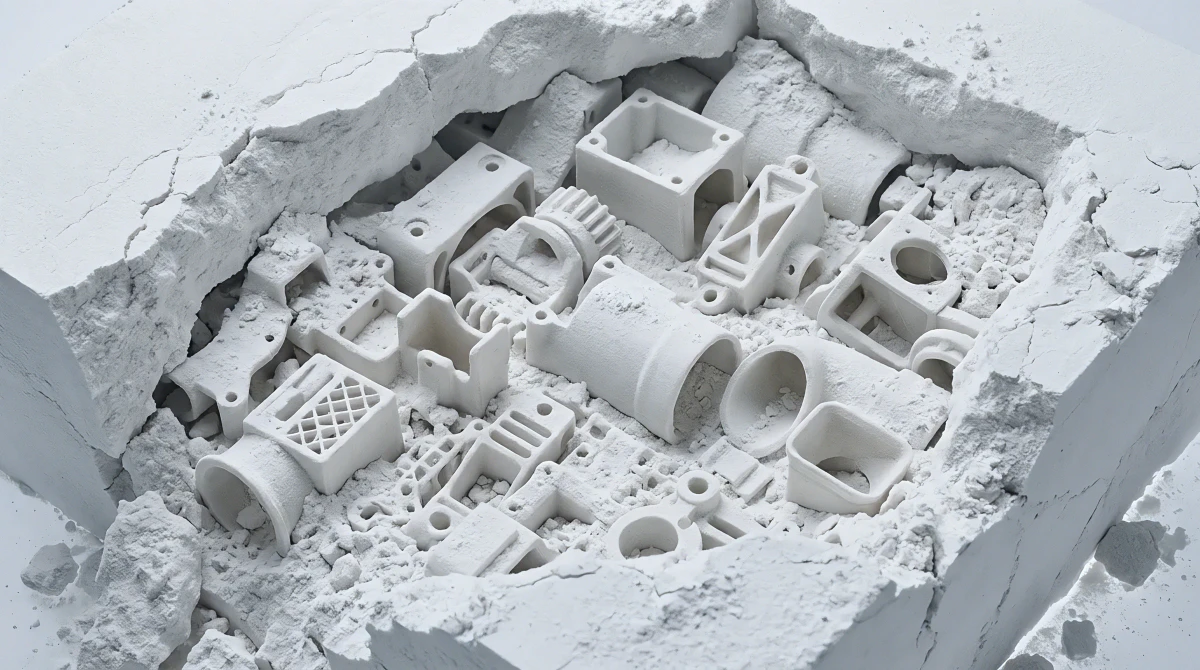
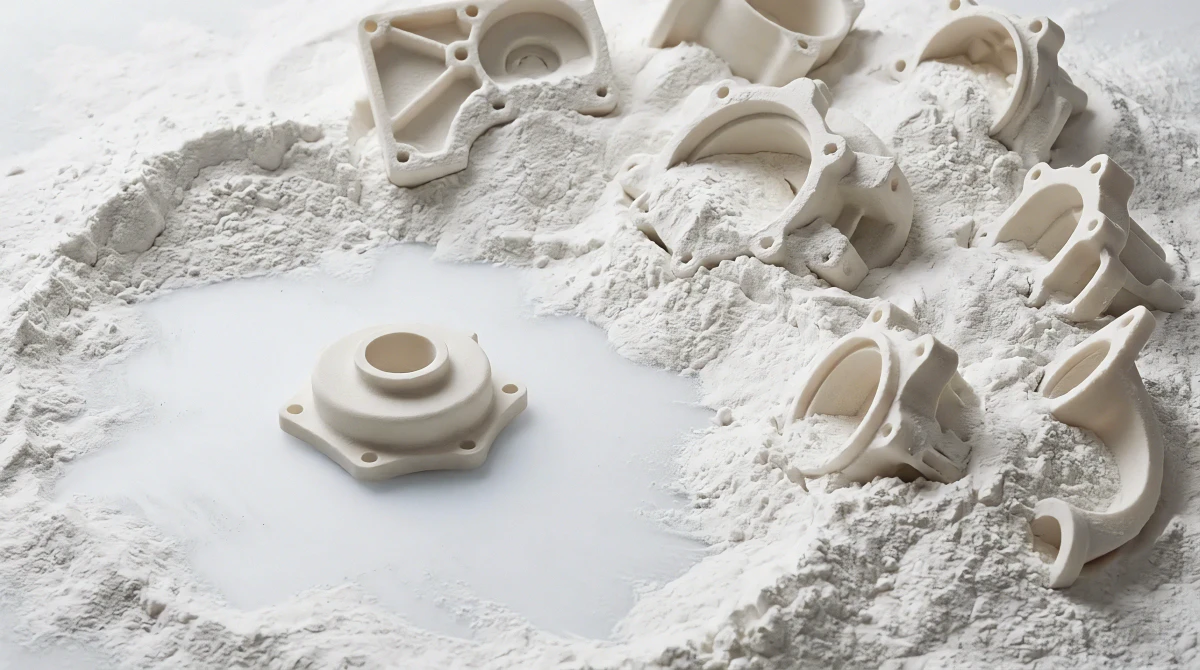
Cooldown is the time a powder bed build spends cooling, as a cake of powder with the parts inside, before it can be unpacked. It is the long, passive stage of a polymer build, and the one that costs accuracy when it is cut short. Formlabs sets the end of it by temperature, not by hours. The Fuse Sift displays the chamber temperature and the recommended unpacking time.Duration
On the Formlabs comparison page, a Fuse X1 build of 3,231 parts printed for 43 hours and cooled for 32. The cooling lasted about three quarters as long as the print. The same page credits the HP Jet Fusion 5200 series with about 120 hours of cooling across 4 builds of 808 parts. That is a competitor’s reading, and HP describes a Natural Cooling Unit that lets the printer keep producing.Read More
Effect on Accuracy
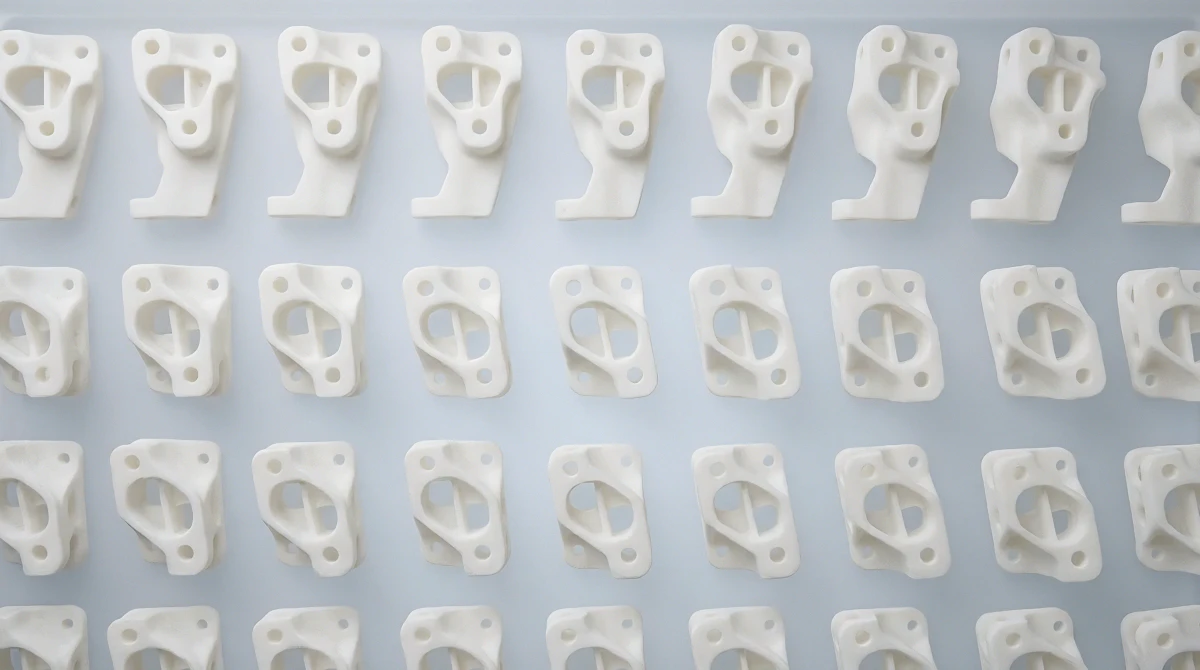
Formlabs unpacked nylon 12 chambers at temperatures from 100 °C (212 °F) down to 25 °C (77 °F). Parts unpacked at 100 °C warped about twice as much as those unpacked at room temperature. Above 70 °C (158 °F) the warping was consistent. At 50 °C (122 °F) the parts were not significantly worse than the room-temperature set. Long, thin parts printed along Z and parts from the outer corners showed the effect first.Place in a Schedule
Hands-on time scales with parts, and cooldowns scale with builds. Take an assumed order of 500 parts of 20 cm³ (1.22 in³) each. It needs about 9 builds on a Fuse 1+ 30W, 2 on a Fuse X1 and 3 on an HP 5200 series machine. Nine builds on one small printer mean 9 cooldowns in sequence unless chambers are swapped. The cooldown time itself depends on the size of the cake.Supplier Questions
An order writes the unpacking temperature ceiling as a number in degrees Celsius. It asks whether cooling happens in the printer, on a sifting station or in a separate unit. It asks how many builds the quantity needs and whether they run in sequence or in parallel. A supplier who unpacks to a temperature can then be told apart from one who unpacks to a schedule.