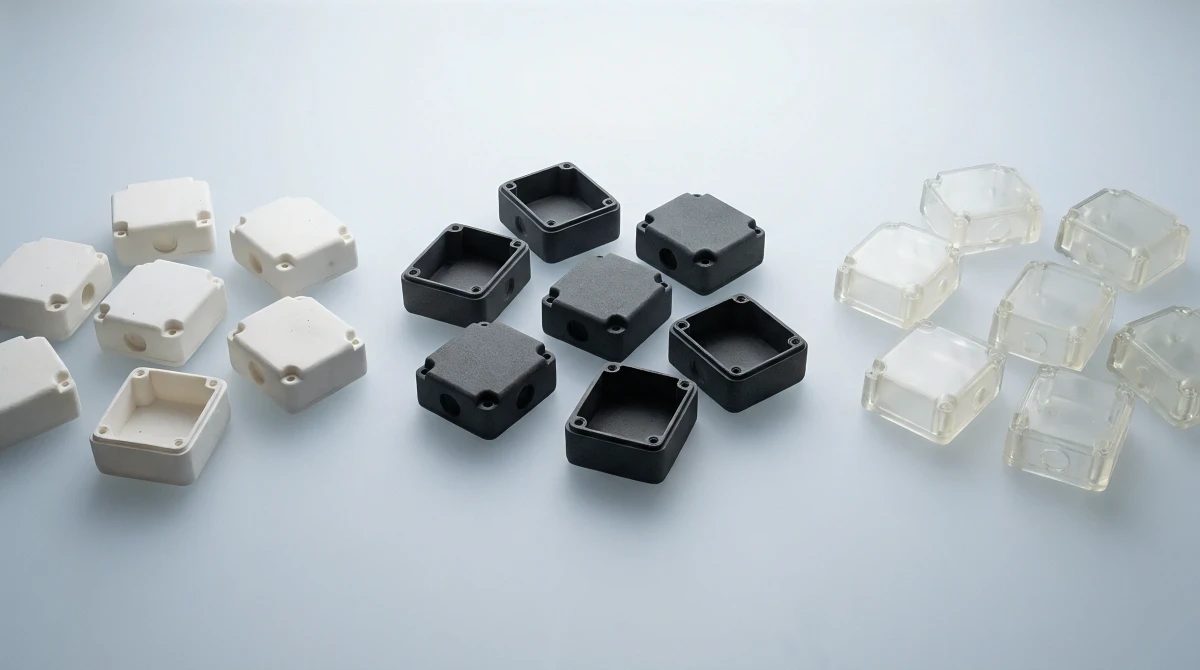
Meaning
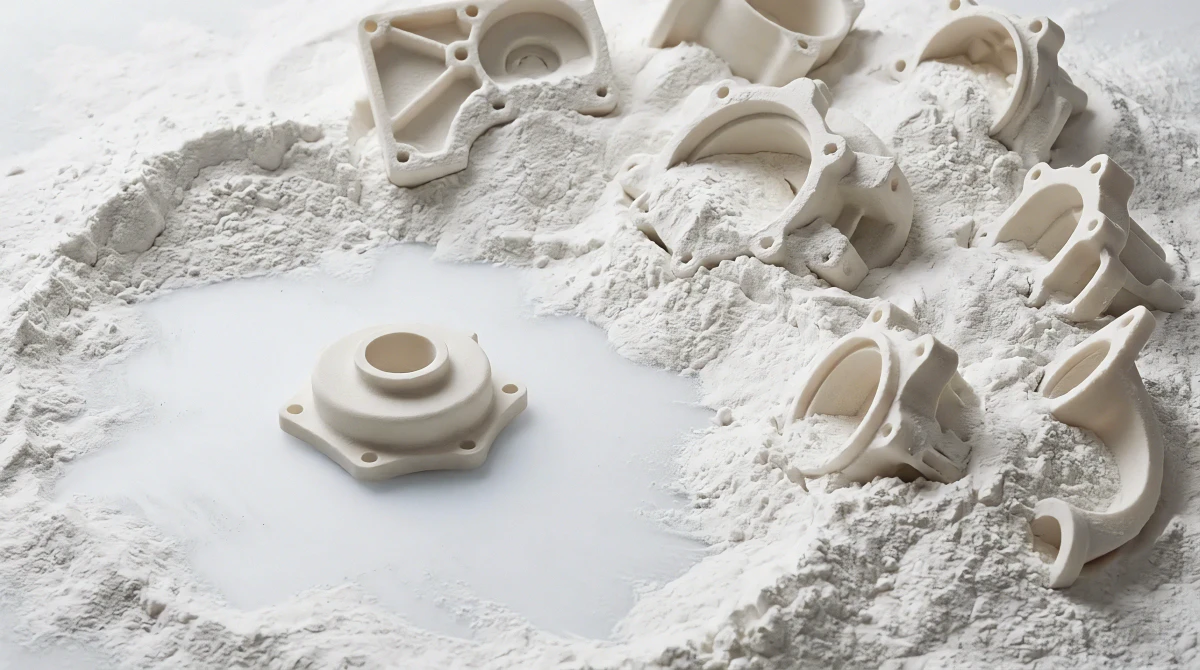
Print time is the time a build spends in the printer, from the first layer to the last. It is only one part of the time a batch takes: cool-down, unpacking, cleaning and finishing follow it, and in powder bed processes they can take longer than the print.Orientation and Height
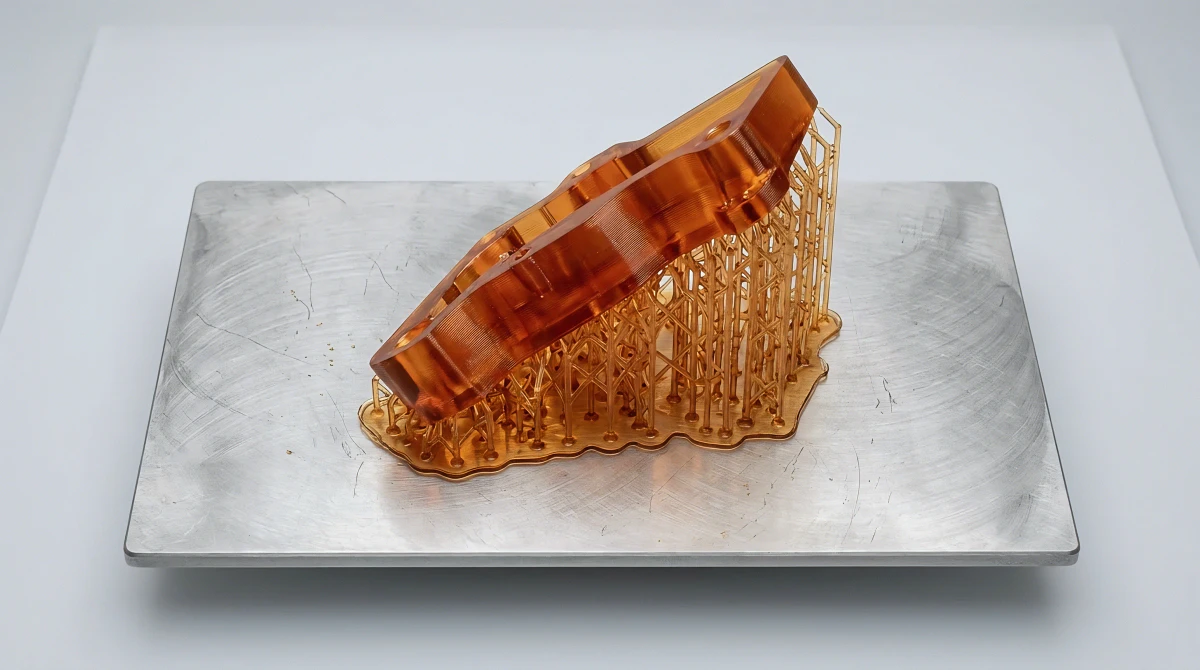
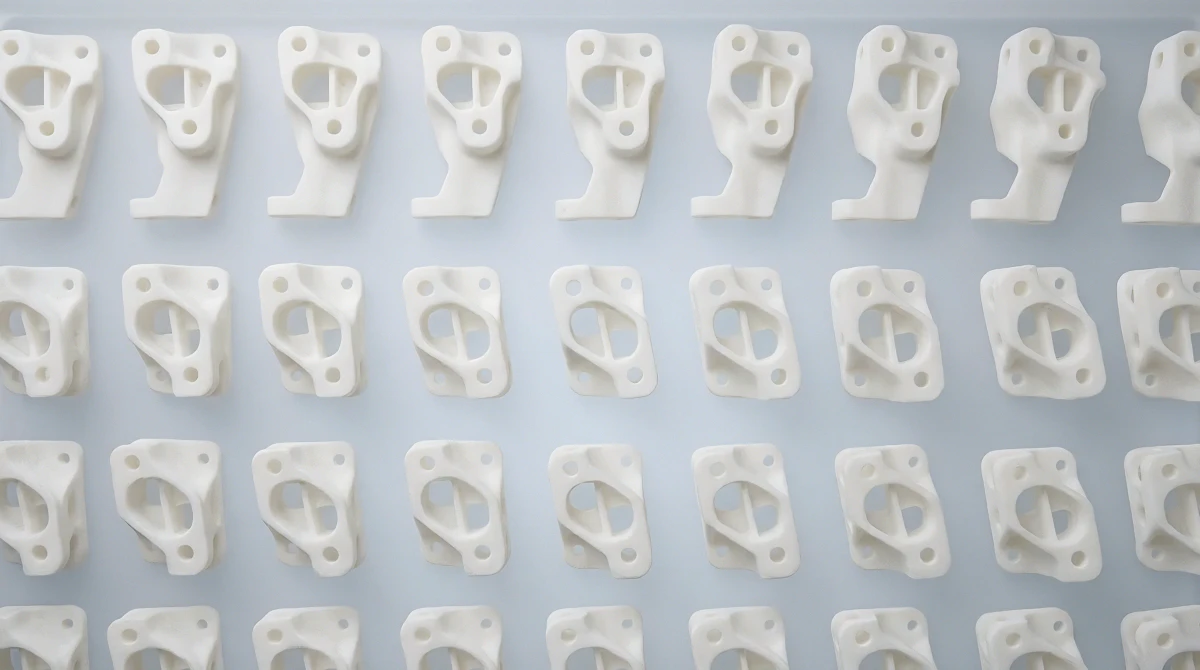
In resin printing, the build height sets the number of layers. Carbon notes that orientation has a measurable effect on print time, and that reorienting a part can remove supports and shorten the print at once. Its guide adds that the shortest print time often conflicts with the most parts per build, so the two are weighed together.Read More
Powder Bed Cycle
A study of 50 nylon 12 parts on a 3D Systems ProX SLS 6100 recorded a build of 11 h 13 min, of which 1 h 58 min was cool-down, after which the powder cake was left 24 hours to reach room temperature. A University College Dublin study on an HP Jet Fusion 4200 used 80 µm (0.0031 in) layers at about 10.5 seconds each and let builds cool overnight before unpacking. HP offers a natural cooling unit for its 5200 series so the printer can start the next build while the last one cools.Layer and Speed
Thinner layers smooth sloped faces at the cost of time; Carbon notes that reducing slice thickness reduces visible slice edges on shallow curves but increases print time. 3D Systems gives its SLS 380 a production speed of up to 2.7 l/h (165 in³/h).Planning
For a run, the count of builds a quantity needs, times the full cycle of each build, is the figure that sets the delivery, more than the print time of one part.