Print Preparation Software

Print preparation software is the program that prepares a 3D file for the printer before any material is used.

Every Print Preparation Software article of the 3D Printing Resources, newest first, each written from published standards, research and makers’ data.

Meaning

Print preparation software is the program that prepares a 3D file for the printer before any material is used. In the Formlabs account, it compensates automatically for the shrinkage of resin parts in post-cure, so post-cured prints match the computer-aided design (CAD). Formlabs ties accuracy to that software, printer calibration, material quality and post-processing equipment working together. EOS states that 316L accuracy also depends on data preparation.

Shrinkage Compensation

Post-cure shrinkage is normal for stereolithography (SLA) and digital light processing (DLP). The compensation is built into the maker’s software, PreForm in the Formlabs case. A dimension checked before the cure is therefore not the dimension the software aimed at. The compensation is the reason a resin tolerance applies to the post-cured part.
Read More

Nesting

For powder beds, the software also fills the chamber. The 3D Systems SLS 380 page lists 3D Sprint with automatic 3D nesting and quality checks for pre-build verification. Formlabs states that packing for HP printers typically uses third-party software, which is a competitor’s description. None of the sources gives a part-to-part spacing.

Scaling

On laser-sintered nylon, the file can be scaled to remove the offset of a build. In the Formlabs study, the 100 mm (3.94 in) XY block averaged 100.22 mm (3.946 in), an offset scaling can remove. The scatter stays, and a correction taken from one zone of the chamber can misfit others.

Software Record

An order can name the software version under the process control heading of ISO/ASTM 52901. EOS names the software its 316L sets require, EOSPRINT 2.7 or newer. An order asks for the version, the scale factor and any compensation applied, so a later lot can be compared.
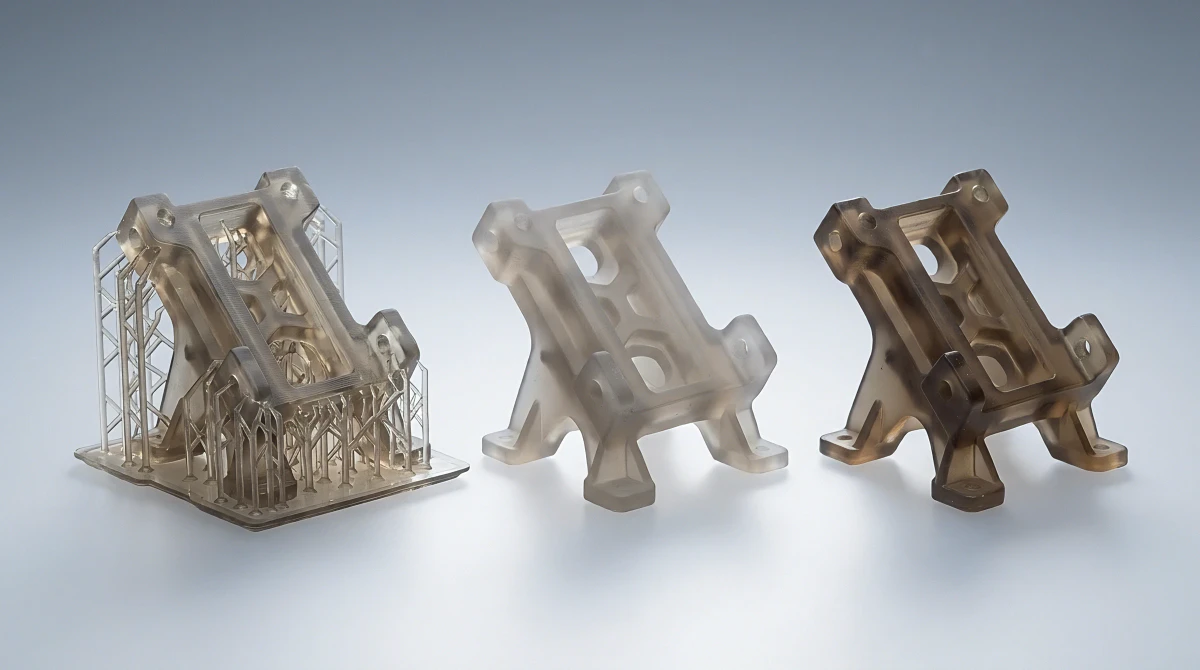
SLA Wash and Post-Cure Step by Step From Green Part to Finished Resin Part

Wash each resin for its own time, dry it fully, cure to the datasheet condition, then remove supports and measure.

SLA Wash, Dry, Cure and Support Removal in OrderThe part leaves the printer in a green state: polymerized enough to keep its shape, but with its reaction unfinished and a film of liquid resin over it. The order in which the finishing steps run is set by what each one needs from the one before.

SLA Dimensional Tolerance by Feature Size

SLA tolerance is published as a percentage of feature size with a small floor, so a drawing writes bands and a post-cure condition and not one general figure.

SLA Tolerance Values Published by Two MakersTable 1 states the two specifications as their makers print them. Neither is a guarantee for a delivered part, and the Formlabs guide notes that the best way to judge a printer is to inspect real parts.

Tough SLA Resins as Stand-Ins for ABS and Polypropylene

Tough SLA resins match ABS on stiffness and strength but not on fracture energy or heat, so a part needs the row that governs its duty.

What a Tough SLA Resin Is Meant to ReplaceA tough SLA resin is a photopolymer that cures under ultraviolet light into a solid that bends before it breaks. Its makers aim it at the parts where earlier SLA resins cracked: snap fits, hinges, housings that are dropped and jigs that get clamped.

Send the 3D File of Your Printed Part

Send the 2D drawing and the 3D file, with the quantity and the stage of the project. An engineer replies within 1 working day.

The quote form, the mutual NDA and the private folder for your files are on Protolis Atelier, with 3D Printing chosen.

Request a Quote